Keep it to one shot.
A single continuous take produces one clear camera move and one set of lighting conditions. A montage with a cut every second will be summarized loosely.
Turn a video into prompts for AI video models. Your browser picks the frames, an AI vision model reads how the clip changes over time, and you copy a master prompt or scene-by-scene prompts.
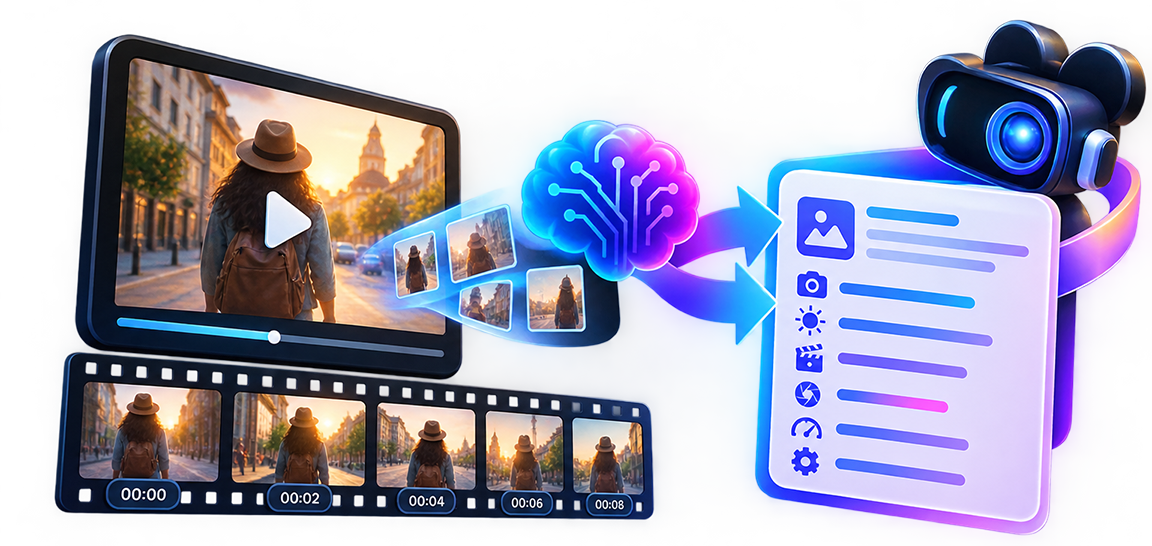
A caption tells you what is in a clip. A prompt tells an AI video model what to build. Those are different jobs. “A woman walks down a street” is a caption; a prompt also needs the lens feel, the light, the pacing, the way the camera moves and what stays consistent from the first second to the last. This tool is built around one question: what would I need to tell a model to recreate something visually similar to this?
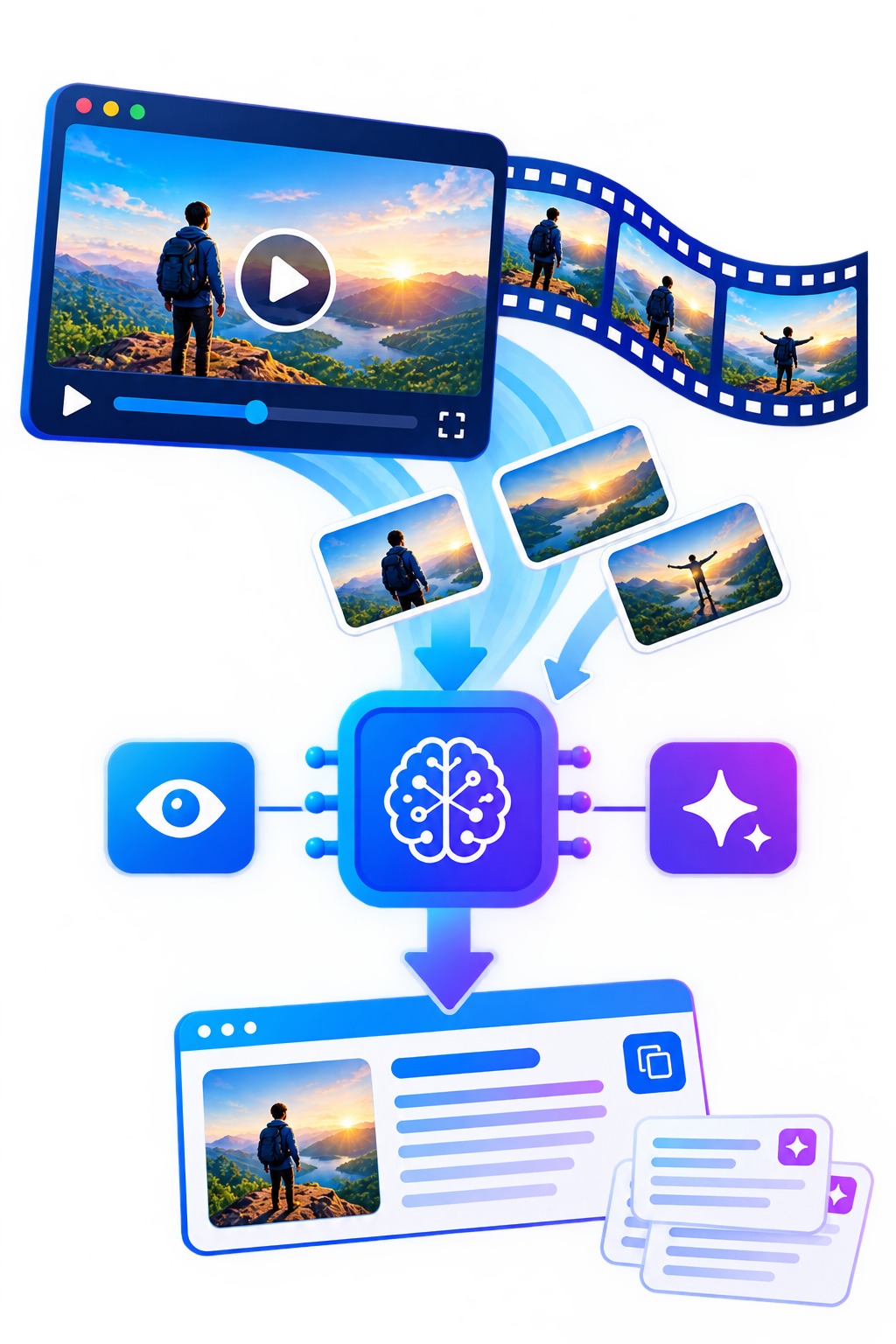
It works by sampling a handful of frames from your clip, labelling each with its timestamp, and asking a vision model to describe the clip as a sequence rather than as unrelated pictures. That is what separates a useful video analysis from a pile of image captions.
A single continuous take produces one clear camera move and one set of lighting conditions. A montage with a cut every second will be summarized loosely.
Ten focused seconds beat sixty busy ones, and the frames are spread evenly across whatever you upload.
Heavy compression and darkness hide the details the model needs, such as fabric, materials and background depth.
It is decoded by every modern browser. Some phone formats, such as HEVC, will not play in every browser, and the tool will tell you if it cannot read yours.
For video you get everything an image analysis provides (subject, environment, composition, camera, lighting, color, style and visible text) plus the parts that only exist in motion:
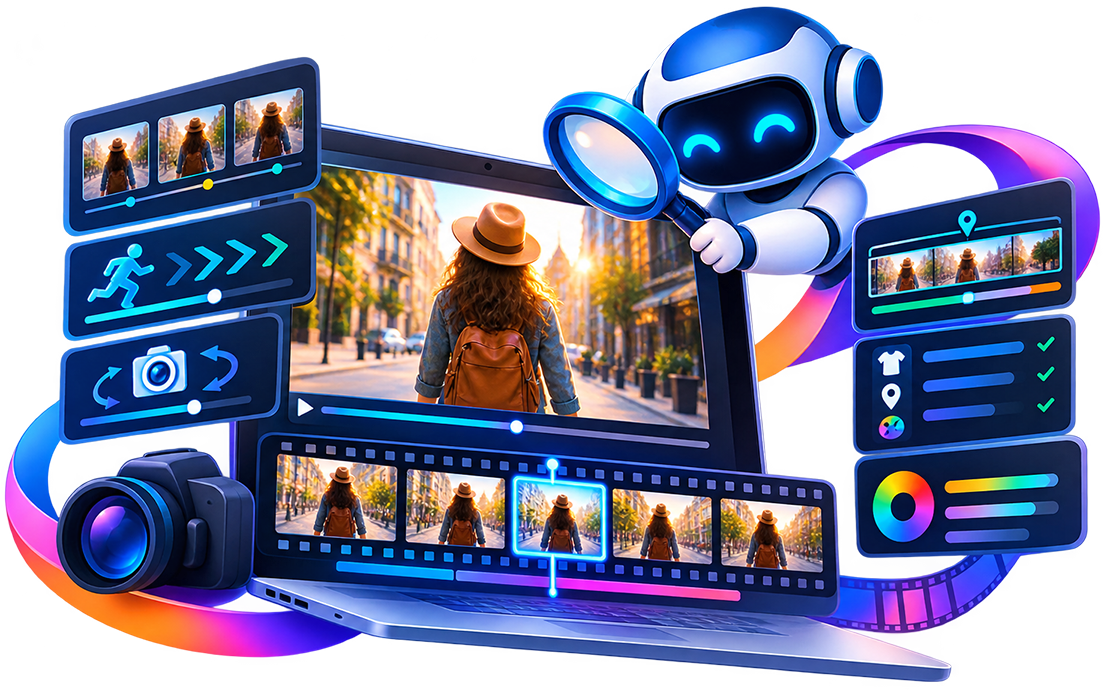
what moves, how fast, and in which direction.
pan, tilt, push-in, tracking or static, stated only when the frames support it.
time-stamped segments so you can see how the clip develops.
the details that should stay the same, such as wardrobe, location and palette.
Use the master prompt when your target model generates one short clip from a single description. It folds subject, motion, camera, light and style into one block.
Use the scene prompts when you are building a longer sequence from several generations: each scene prompt repeats the continuity details, so characters and locations do not drift between shots.
The negative prompt lists artifacts to steer away from, such as flicker, warping and inconsistent faces, and it adapts to the style detected in your clip.
the format leads with the camera movement, then the scene, which matches how Runway prompts are usually structured.
prose with the subject action first, plus a separate negative list you can paste into the negative field.
a cinematic paragraph that opens with the shot and camera move, followed by setting, light and style.
a labelled structure (format and look, subject, setting, camera, lighting, action) that is easy to read and edit.
Every format is a starting point. Edit the text in the box, copy it, and adjust wording to suit the model version you are using.
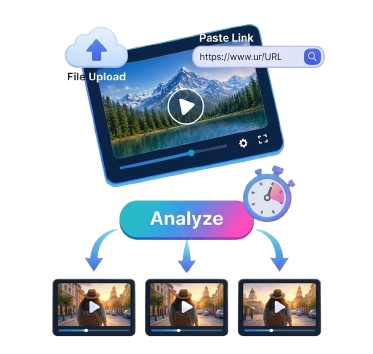
Upload a file or paste a direct video link, then check the preview. The duration is read before anything is analyzed, and clips over 60 seconds are rejected with a clear message.
Press Analyze. The sampled frames appear as thumbnails, so you can see exactly what the model was shown.
Pick a platform and a prompt type, then copy the text or edit it in place.
Generate in your video tool, compare the result with your reference, and adjust the prompt one detail at a time.

The analysis describes what is visible. It cannot recover the original prompt, the model that made the clip or the random seed, and AI video models interpret the same words differently from run to run. Expect something visually in the same family, then refine. Only use footage you have the right to analyze, and do not use the output to imitate a living person or a specific artist’s protected work.
Input: MP4, MOV, WEBM up to 100 MB and 60 seconds, a direct video link up to 50 MB, or a public YouTube link (first 60 seconds)
Output: master prompt, scene prompts, short, detailed and negative
Formats: Generic, Runway, Kling, Veo, Sora
Privacy: files are not stored on our server. Read how it works.
Also try: Image to Prompt