01
Upload Your Video
Add the video you want to analyze. The tool can examine the visual information contained in the video.
INPUT: MP4, MOV, WEBMTurn your visual references into useful AI prompts with our Video to Prompt Generator. Upload a video or provide video URL, let the tool analyze its visual details, and get a prompt that you can copy, customize, and use for your next creative video project. Upload your video and start generating video prompts free today.
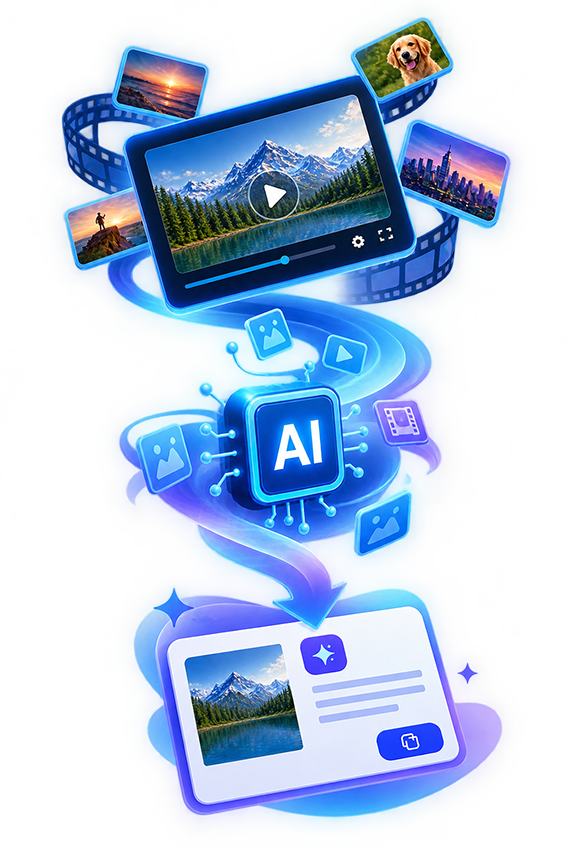
Four transparent steps designed to decompose any cinematic clip into a deployable generation blueprint.
Add the video you want to analyze. The tool can examine the visual information contained in the video.
INPUT: MP4, MOV, WEBMImportant elements such as people, objects, backgrounds, actions, lighting, camera angles, and visual style can be identified.
OCR & SPATIAL VECTORINGThe information is converted into a detailed text prompt that describes the video or selected scene.
OUTPUT: NATURAL AI TOKENSCopy the generated prompt and modify it according to your requirements. You can add your preferred style, mood, aspect ratio, camera details, or creative direction.
EXPORT: CLIPBOARD / JSONVideo to Prompt Generator for Transforming Your Video Content into Creative AI Prompts Easily
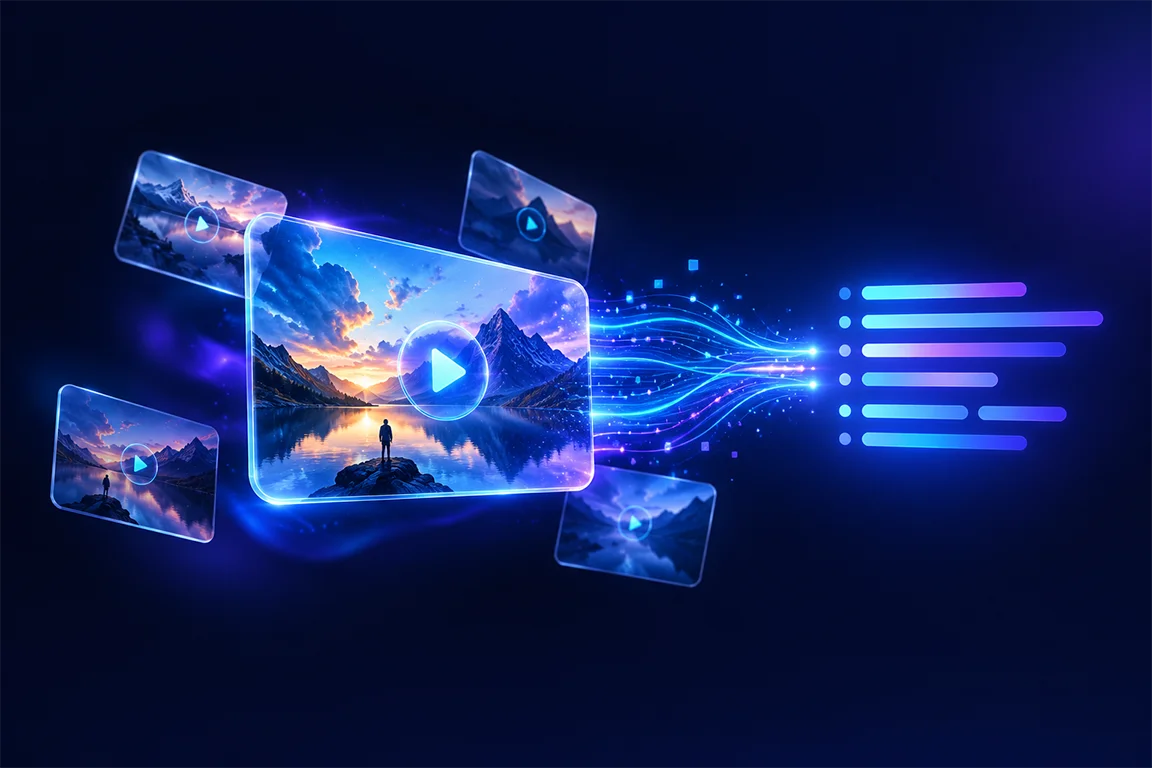
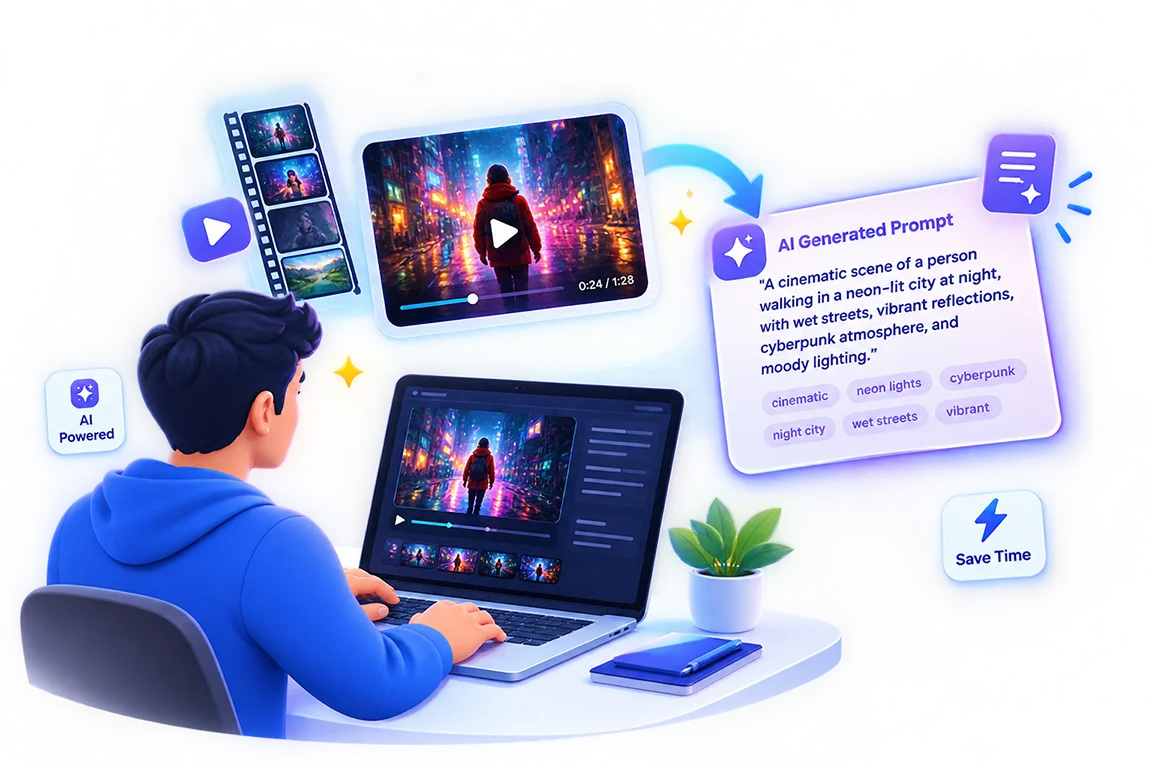
Creating the right prompt from a video can be time-consuming. Our Video to Prompt Generator AI helps you analyze a video and convert its visual content into a clear, detailed prompt that can be used with AI image Without Watermark and video generation tools. Simply upload or provide your video URL, and the tool can identify important visual elements such as the subject, environment, composition, camera movement, lighting, colors, style, and overall scene by scene. You can then use the generated prompt as a starting point for creating new AI-generated visuals.
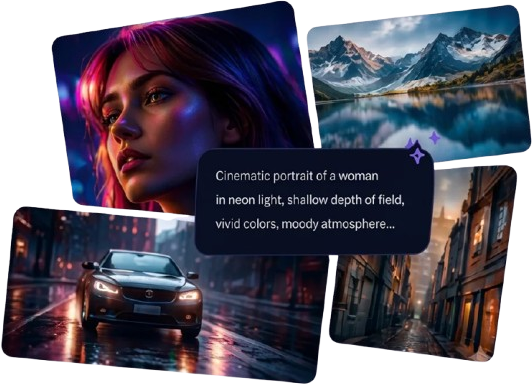
A Video to Prompt Generator AI is an AI-powered tool designed to transform video content into text-based prompts. Instead of manually describing everything happening in a video, the Online tool helps create a structured description based on the visual information in the video. Whether you are a content creator, designer, marketer, filmmaker, or AI enthusiast, converting video scenes into prompts from videotopromptgeneratorai.com Without Login can make your creative workflow faster and easier.
Converts 4K clips into structured tokens in seconds.
Detects spatial depth, lighting setups, and key actors.
Free starting tier with instant copy-to-clipboard outputs.
Average reduction in prompt reverse-engineering compared to manual scene logging.
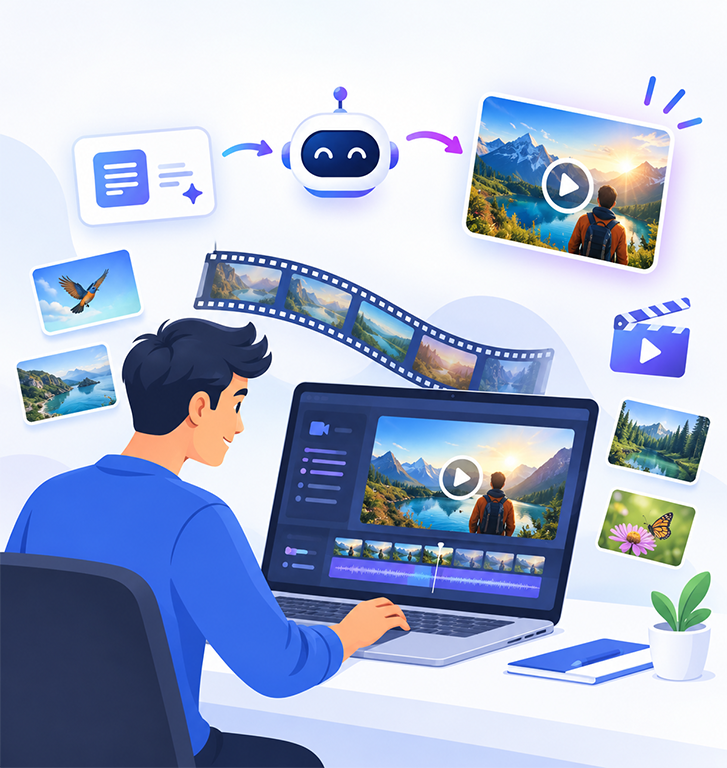
Good AI prompts often require clear information about the subject, environment, composition, lighting, and style. A video URL contains many of these details, but manually identifying and writing them can be difficult. Our Video to Prompt Converter – www.videotopromptgeneratorai.com helps bridge the gap between visual references and written prompts, giving you a convenient starting point for your next creative project.
Instead of guessing technical camera jargon like f/1.8 Bokeh or Dutch Angle Orbit, let the neural analyzer extract the exact terminology required by Midjourney, Runway Gen-3, Kling, and Sora.
Maximize generation quality by following these practical, battle-tested prompt engineering guidelines.
Higher-quality footage with visible subjects can provide more useful visual information. Clear lighting and high-contrast frames yield much sharper prompt definitions.
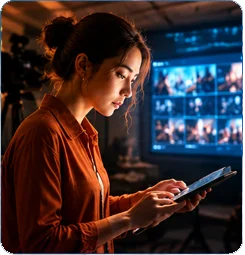
Videos that clearly show the scene or subject can make it easier to generate meaningful descriptions. Avoid shaky, heavily blurred, or obstructed transitions.
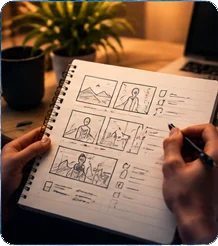
After generating a prompt, add details that are important to your specific project. Inject your brand colors, character traits, or specific narrative nuances.
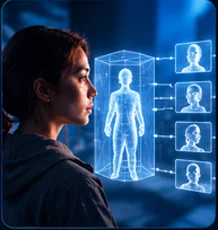
If you want a particular mood, style, camera perspective, or visual appearance, mention it in the final prompt. Exact camera angles guide generative models more reliably.
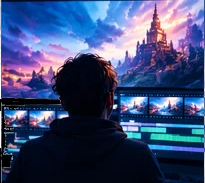
Try changing individual elements of the prompt to explore different creative results. Swap "golden hour" for "neon twilight" or alter the camera lens from 24mm to 85mm portrait to discover brand new creative aesthetics.
Everything you need to extract precise visual language from dynamic footage.
Convert visual information from your video into useful text descriptions and prompts with neural precision.
Multimodal Scene DecompositionGenerate prompts that can include subjects, surroundings, actions, lighting, colors, composition, and visual style.
Granular Token BreakdownCapture useful details such as camera perspective, framing, movement, depth, and cinematic appearance where identifiable.
Director Optics & Angle TrackingNo complicated editing process is required. Upload your video, generate a prompt, and customize the result.
Zero Technical ConfigurationUse generated prompts as inspiration for AI images, AI videos, advertisements, social media content, and creative projects.
Direct Ideation AcceleratorInstead of manually describing every scene, let AI help you create a detailed starting prompt within a much shorter workflow.
Rapid Iteration CycleEmpowering professionals across digital industries with reverse prompt synthesis.

Create prompts for new visual content and social media videos with high engagement aesthetics.

Develop creative concepts for advertisements, video promos, and targeted audience campaigns.

Generate visual descriptions and creative references to translate dynamic motion into static key visuals.

Understand and recreate visual styles, color grading LUTs, and scene transitions seamlessly.

Explore cinematic concepts, camera directions, lighting setups, and rich scene descriptions with No Copyright.
Convert existing visual ideas into unlimited prompts directly optimized for generative AI tools.

Create marketing concepts, internal pitch deck assets, and promotional visual ideas rapidly.

Learn how visual scenes can be described through structured prompts and master generative syntax.
Our neural pipeline unpacks video frames into 14 distinct visual attributes for unprecedented synthesis precision.
The generated prompt can then be refined to match your specific creative requirements.
Describing a video scene manually can require considerable time and attention to detail. A Video to Prompt Generator provides a faster way to turn visual references into written instructions.
It can be especially helpful when you want to understand the structure of a scene, recreate a similar visual concept, generate creative variations, or use a video as inspiration for AI-generated content.
Instead of starting with a blank text box, you can begin with an AI-generated description and refine it according to your needs & no sign up is required.
Our goal is to make unlimited prompt creation more accessible for everyone. Instead of spending time manually analyzing every visual detail, you can use AI to create a useful starting description.
Whether you are experimenting with AI for the first time or regularly create digital content, the tool can help make your workflow more efficient.
With a simple interface and an AI-focused approach, you can move from a long video reference to a customized prompt without unnecessary complexity. Use our Video to Prompt Generator to create viral story prompts from videos with an intelligent AI writer.
Hear from creative professionals using videotopromptgeneratorai.com every day.
"This tool completely transformed my Midjourney workflow. I uploaded a 5-second fashion reel and got back the most detailed camera and lighting breakdown."
"Being able to extract camera perspectives from cinematic footage saved our production studio hours during pre-visualization."
"The scene atmosphere detection is shockingly accurate. It picks up color grading subtleties I would have spent thirty minutes writing manually."
"I use it for reverse-engineering short documentary clips into Runway Gen-3 prompts. The motion consistency has improved drastically."
"Clean interface, instantaneous generation, and no unnecessary complexity. Exactly what modern creative agencies need."
"As a 3D visualizer, bridging video references to prompt parameters used to be tedious. Now it's a one-click routine."
"The ability to extract 14 distinct visual attributes from complex commercial videos makes concept pitches effortless."
"A must-have tool for any prompt engineer. It taught me how to articulate lighting angles and cinematic styles much better."
"Helps me brainstorm art directions from old archived film footage effortlessly. The prompt copy button is so convenient."
"videotopromptgeneratorai.com is now permanently bookmarked in my browser. Seamless from start to finish."